Introduction
PDF files are one of the most widely used document formats in the world. They are used by businesses, students, government offices, and professionals because PDFs preserve formatting and work consistently across devices.
However, one common issue many people face is large PDF file sizes. When PDF files become too large, they are difficult to upload to websites, attach to emails, or share online.
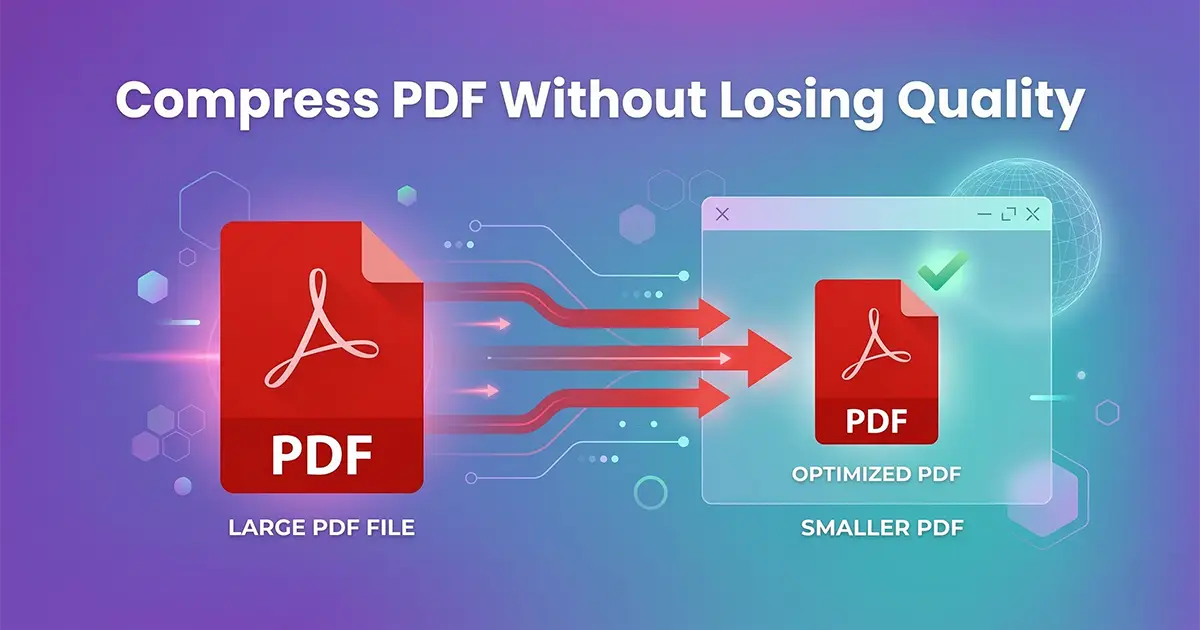
This is where PDF compression becomes important. By compressing a PDF file, you can significantly reduce its size while maintaining document readability and formatting.
If you want to instantly reduce your document size, you can try our free tool below.
What Does Compressing a PDF Mean?
Compressing a PDF means reducing the size of the document file by optimizing the internal elements inside the PDF. These elements include images, fonts, metadata, and embedded objects.
The goal of compression is to remove unnecessary data and reduce storage requirements while maintaining the visual quality of the document.
For example, a PDF file containing high-resolution images may be 20MB in size. After compression, it may be reduced to 5MB or less while still looking almost identical.
Why PDF File Sizes Become Large
Understanding why PDFs become large helps you choose the best method for compression.
High Resolution Images
Images are one of the main reasons PDF files become large. Documents containing photos, graphics, or scanned pages can dramatically increase file size.
Scanned Documents
Scanned documents are often stored as image files inside a PDF. Because images require more storage space, scanned PDFs tend to be larger.
Embedded Fonts
Many PDFs embed fonts to ensure formatting consistency across devices. However, embedding full font libraries increases the file size.
Unoptimized Document Structure
Some PDF creation software stores additional metadata or duplicate resources inside the document. These extra elements increase file size unnecessarily.
Benefits of Compressing PDF Files
Reducing the size of your PDF files offers many practical advantages.
1. Faster Email Attachments
Most email providers limit attachment sizes to around 20MB–25MB. Compressing your PDF ensures it can be attached and delivered without problems.
2. Faster Website Uploads
Many online forms and portals require smaller file sizes. Compression allows documents to upload faster and meet platform limits.
3. Reduced Storage Usage
Organizations often store thousands of PDF documents. Smaller files save disk space and improve storage efficiency.
4. Improved Website Performance
If you host downloadable PDFs on your website, smaller files load faster for visitors and improve user experience.
How to Compress PDF Without Losing Quality
Using an online PDF compression tool is the easiest way to reduce file size while maintaining document clarity.
Step 1 – Open the Compress PDF Tool
Visit our Compress PDF tool to begin the compression process.
Step 2 – Upload Your PDF File
Select the document from your device that you want to compress.
Step 3 – Automatic Optimization
The system analyzes the document and automatically compresses images, removes unnecessary metadata, and optimizes the file structure.
Step 4 – Download the Compressed File
Once compression is complete, you can instantly download the optimized PDF file.
Best Practices for Compressing PDF Files
Although online tools simplify compression, following these best practices can produce better results.
Use Image Optimization
Large images should be optimized during compression. Reducing image resolution slightly can dramatically decrease file size.
Delete Unnecessary Pages
If the document contains pages that are not required, removing them before compression can further reduce file size.
Use Original Files
Repeated compression of already compressed files may reduce quality. Always compress the original document if possible.
When Should You Compress a PDF?
PDF compression is useful in many real-life situations.
- Submitting assignments through online portals
- Sending reports through email
- Uploading resumes for job applications
- Sharing documents with clients
- Storing documents in cloud systems
Other Useful PDF Tools
In addition to compression, many tools can help you manage your documents efficiently.
If you need to combine multiple files into one document, use our Merge PDF tool.
If you want to extract pages from a document, try the Split PDF tool.
Using these tools together allows you to organize, compress, and manage documents quickly.
Is It Safe to Compress PDF Files Online?
Security is a common concern when uploading documents online. Reliable PDF tools process files temporarily and automatically remove them after processing.
This ensures your documents remain private and secure.
Who Uses PDF Compression Tools?
Many professionals depend on PDF compression tools daily.
- Students submitting assignments
- Office professionals sharing documents
- Lawyers managing legal paperwork
- Designers sending portfolios
- Businesses handling digital records
Frequently Asked Questions
Can I compress PDF files for free?
Yes. Many online tools allow you to compress PDF files for free without installing software.
Will compression reduce document quality?
Modern compression tools optimize files intelligently to maintain document clarity while reducing size.
Can I compress PDF files on mobile devices?
Yes. Most online PDF tools work on smartphones, tablets, and desktop browsers.
Conclusion
Compressing PDF files is an essential step in efficient document management. Whether you are sharing documents through email, uploading files online, or managing large document libraries, reducing file size improves workflow and productivity.
With the help of modern online compression tools, you can easily reduce file size while preserving document quality.