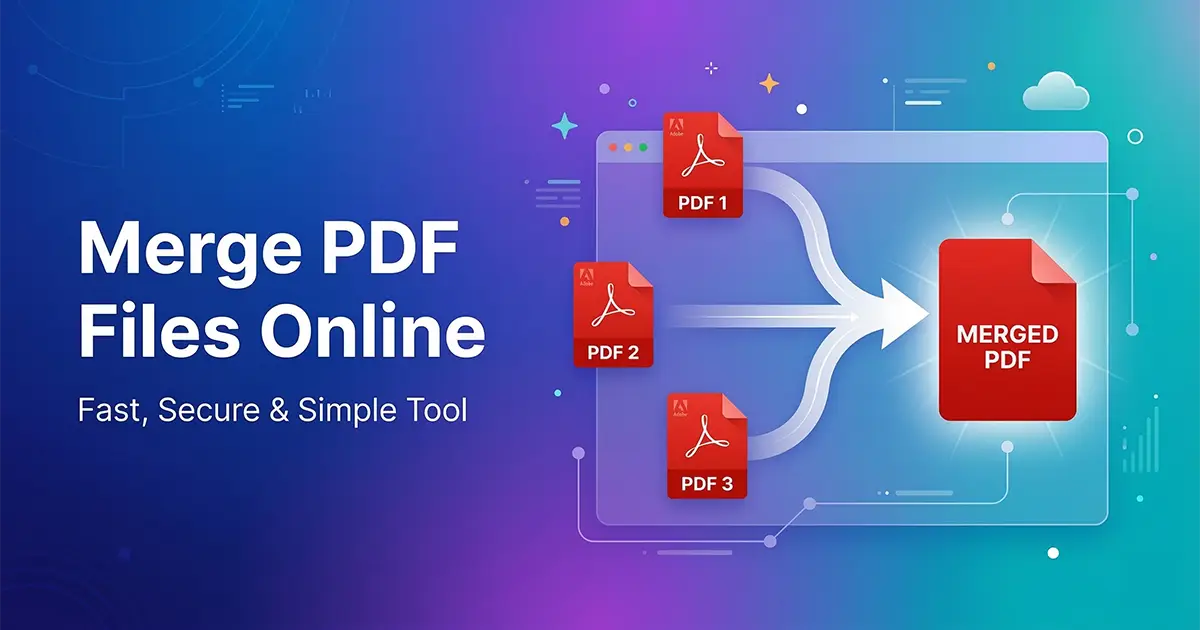
Merging PDF files is one of the most common document management tasks today. Whether you are a student submitting assignments, a business professional sharing reports, or someone organizing scanned documents, combining multiple PDF files into a single file can make your workflow much more efficient.
Instead of sending several documents individually, merging them into one organized PDF makes sharing easier, improves readability, and ensures documents stay in the correct order.
If you want to combine documents quickly, you can try our free tool below.
What Does It Mean to Merge PDF Files?
Merging PDF files simply means combining two or more PDF documents into a single PDF file. This allows multiple documents to be organized together without losing formatting or layout.
For example, imagine you have:
- A cover page
- A project report
- Supporting documents
Instead of sending these files separately, you can combine them into one PDF file. This makes document sharing and management much easier.
Why People Need to Merge PDF Files
There are many situations where merging PDF files is extremely useful.
1. Organizing Business Documents
Businesses often combine invoices, reports, and presentations into one document before sending them to clients.
2. Submitting Academic Assignments
Students frequently merge different pages into one PDF before uploading assignments.
3. Sending Email Attachments
Instead of sending multiple files, one merged PDF keeps everything organized.
4. Preparing Professional Reports
Professionals often merge research papers, documents, and charts into one final report.
How to Merge PDF Files Online
You can merge PDF files online in just a few steps.
Step 1 – Upload Your PDF Files
Open the Merge PDF tool and upload the documents you want to combine.
Step 2 – Arrange the File Order
After uploading, arrange the files in the correct order.
Step 3 – Click the Merge Button
Click the merge button to combine all uploaded files into one document.
Step 4 – Download Your Merged PDF
Once the process is complete, download the final PDF file.
Advantages of Using an Online PDF Merge Tool
- No installation required
- Works on all devices
- Fast processing
- Easy to use interface
Other Useful PDF Tools
If your merged file becomes too large, you can reduce the file size using our Compress PDF tool.
If you want to extract certain pages from a document, use the Split PDF tool.
Tips for Merging PDF Files Efficiently
- Check the order of files before merging
- Remove unnecessary pages
- Rename files for better organization
- Compress the file if needed
Frequently Asked Questions
❓ Can I merge PDF files for free?
Yes. Many online tools allow you to merge PDF files for free without installing any software.
📱 Can I merge PDFs on mobile?
Yes. Online tools work on smartphones, tablets, and desktop browsers.
🔒 Is it safe to merge PDFs online?
Secure PDF tools process files temporarily and automatically delete them after processing.
Conclusion
Merging PDF files helps organize documents and simplifies sharing. Instead of managing multiple files separately, combining them into one PDF keeps everything structured and professional.